How do you download a Kick clip?
Save a public Kick clip as an MP4, ready to keep or edit. Your browser assembles the video on your device.
You have used your three free downloads on this device today. Create a free MakeShort account to continue.
Create a free accountYour clip is ready.
Want a vertical edit with captions? Upload this clip to MakeShort and get it ready to post.
Turn this clip verticalHow to download a Kick clip
All you need is a public clip link. No software to install.
- 1
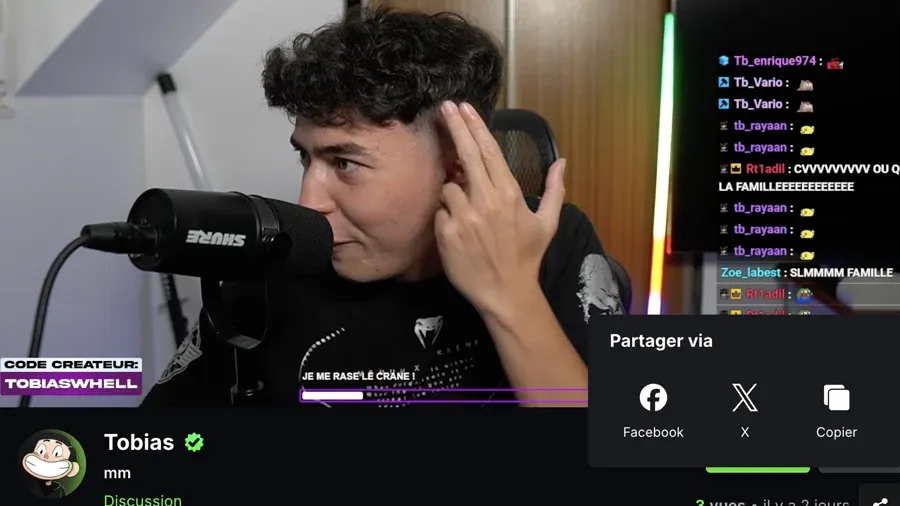
Copy the Kick clip link
Open the clip, choose Share and copy the full URL. Kick clip links usually include ?clip=.
- 2
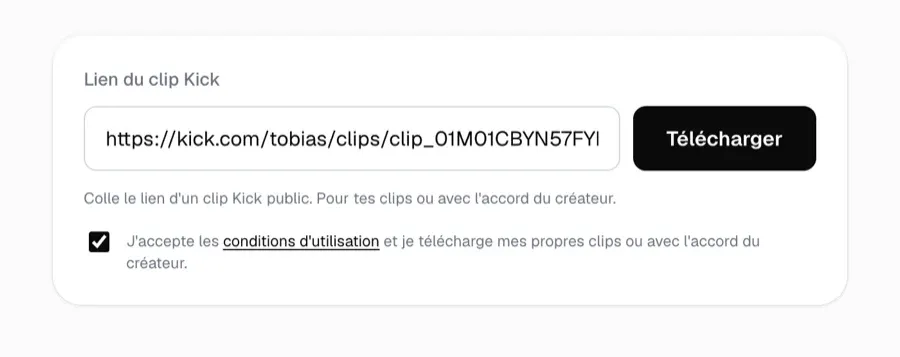
Prepare the clip in your browser
Paste the link and start. Your browser downloads the clip’s segments and assembles them locally.
- 3
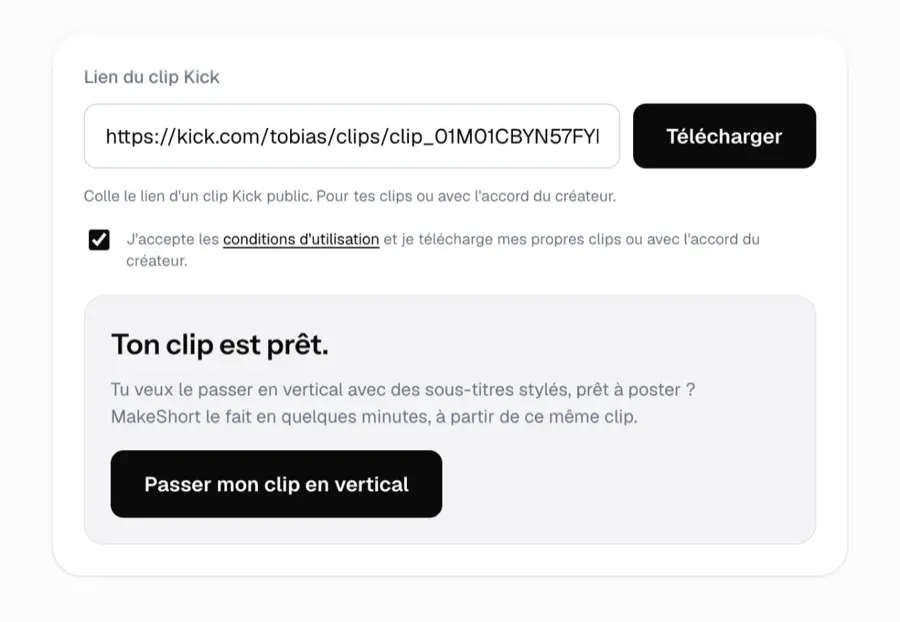
Save the finished MP4
When the progress bar finishes, the MP4 is ready on your device. Keep it or upload it to your editor.
The clip is assembled on your device
Your browser downloads the Kick clip segments and joins them locally. The video file does not pass through MakeShort servers.
Make the moment yours
Upload the MP4 to MakeShort for vertical framing, captions and channel styling. Try the editor for free. Need a Twitch clip? Use the Twitch clip downloader.
Frequently asked questions
Can't find the answer to your question?
Contact us by clicking here.
- Copy the link from the clip’s Share button. It points to kick.com and usually includes ?clip=. A channel page or replay is not a clip link.
- Kick delivers clips in segments. Your browser downloads and assembles them into an MP4 on your device; the video file does not pass through MakeShort servers.
- You can download three clips per day on one device. Create a free MakeShort account to continue after that.
- This tool accepts public Kick clip links. To edit a clip, just paste its link into MakeShort.
- Keep the page open and check your connection. A deleted or private clip can no longer be resolved.
- Upload the MP4 to MakeShort, choose the framing and captions, then export for TikTok, Reels or Shorts.